
Mastering Inpainting and Outpainting with GPT Image 2 Image Edits API
Target Models:
gpt-image-2,gpt-image-2-official
Inference Endpoint:https://api.toapis.com/v1/images/generations
Related: GPT Image 2 API guide · 4K aspect-ratio workflows · Global mirror and proxy · Official inpainting reference
1. TL;DR & Performance Overview
- Job: Replace a region of an existing image (inpainting) or extend the canvas into a new aspect ratio (outpainting) without inventing a second, undocumented API.
- Contract: Use model IDs that exist in the catalog. Exact
gpt-image-2takesprompt,sizeas a ratio,resolutionas1k/2k/4k, and optionalreference_images. Mask-based inpainting is documented ongpt-image-2-officialwithimage_urlsplusmask_url. - Not the current contract: A model ID named
gpt-image-2-edit, a synchronous multipartPOST /v1/images/edits, orsize: "1024x1024". Those shapes appear in older drafts and should not be copied into new clients. - I/O: Upload source images and masks with
POST /v1/uploads/images, then pass the returned public URL. Base64 is not accepted inreference_images,image_urls, ormask_url. - Async protocol: The submit call returns a task
id. PollGET /v1/images/generations/{id}untilcompletedorfailed. A client timeout is not proof the job failed.
2. The Power of Programmatic Image Editing
Generating a still from a text prompt is only the first step. Production catalogs, ads, and design systems more often need a targeted revision: swap a product, clean a background, or stretch a square packshot into a wide hero — while keeping lighting and subject identity.
The current ToAPIs GPT Image 2 family covers those jobs on one path, POST /v1/images/generations, with two different model IDs:
| Job | Model ID | How you point at the source | Mask? |
|---|---|---|---|
| Prompt-guided edit or style transfer | gpt-image-2 | reference_images (URL list, maximum 14) | Not documented on this ID |
| Pixel-accurate inpainting | gpt-image-2-official | image_urls (URL list, maximum 16) | mask_url required with the first image |
| Canvas expansion (outpainting) | Either ID | Pass the original as a reference and change size to the target ratio | No dedicated outpaint flag |
image_urls is a backward-compatible alias of reference_images on exact gpt-image-2 and is normalized by the gateway. Official-channel examples in the API reference use image_urls together with mask_url. Use the field names from the reference for the ID you actually call.
A usable inpainting mask is a PNG with an alpha channel. Its pixel dimensions must match the first reference image. Transparent pixels (alpha = 0) are the regeneration zone; opaque pixels should be preserved. Build the mask in your pipeline (for example with Pillow), upload it, and send only the URL.
Outpainting is a workflow, not a separate endpoint. If you have a 1:1 packshot and need a 16:9 banner, keep the original as a reference, set size to 16:9, pick an explicit resolution tier, and tell the model to keep the subject and extend the scene. A practical variant is to composite the original onto a larger transparent canvas, upload that canvas, and treat it as the reference — still on /v1/images/generations, still without an outpaint: true flag.
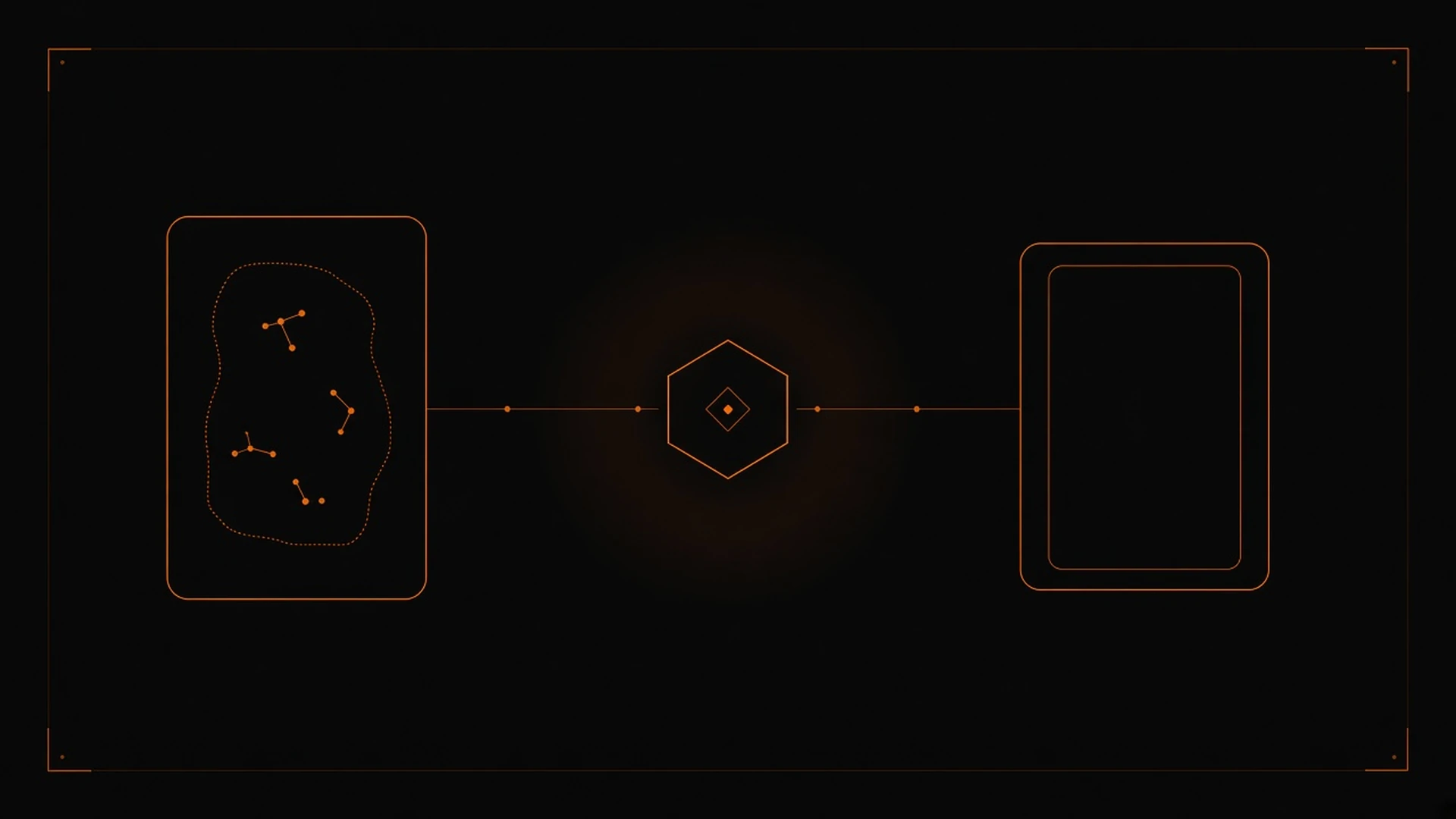
Figure 1: A source canvas and an inner mask region pass through the ToAPIs gateway; the documented path is still POST /v1/images/generations, with mask_url reserved for gpt-image-2-official.
size and resolution follow the same contract as text-to-image: size is a ratio such as 1:1 or 16:9, and resolution is 1k, 2k, or 4k. Exact gpt-image-2 does not expose a quality field in the current playground contract; quality (low / medium / high) appears on gpt-image-2-official. See the 4K workflow guide for the documented pixel table.
3. Production Implementation: cURL & Python
International examples in this series use https://api.toapis.com. Official docs tell mainland China users to use https://toapis.cn. Keep one origin per environment. Paths, model IDs, and the Bearer header stay the same.
Step 1: Upload a source image (and a mask, if you need one)
curl -X POST "https://api.toapis.com/v1/uploads/images" \
  -H "Authorization: Bearer $TOAPIS_API_KEY" \
  -F "file=@./product.png"
The response includes data.url. Repeat the call for a mask PNG when you are calling gpt-image-2-official. Do not inline base64 in the generation request.
Step 2: Prompt-guided edit on exact gpt-image-2
curl -X POST "https://api.toapis.com/v1/images/generations" \
  -H "Authorization: Bearer $TOAPIS_API_KEY" \
  -H "Content-Type: application/json" \
  -d '{
    "model": "gpt-image-2",
    "prompt": "Keep the ceramic kettle and slate surface. Replace only the background with a calm marble countertop, matching the existing side light. No typography.",
    "size": "1:1",
    "resolution": "1k",
    "n": 1,
    "response_format": "url",
    "reference_images": ["https://example.com/product.png"]
  }'
Step 3: Masked inpainting on gpt-image-2-official
curl -X POST "https://api.toapis.com/v1/images/generations" \
  -H "Authorization: Bearer $TOAPIS_API_KEY" \
  -H "Content-Type: application/json" \
  -d '{
    "model": "gpt-image-2-official",
    "prompt": "Replace the masked region with a desert sunset, preserving the subject outline and lighting",
    "size": "1:1",
    "resolution": "1k",
    "quality": "medium",
    "image_urls": ["https://example.com/photo.png"],
    "mask_url": "https://example.com/mask.png"
  }'
Step 4: Python submit-and-poll helper
Match field names to the API reference for the model ID you call. The snippet uses the documented image status path and the completed / failed statuses.
import os
import time
import requests

API_KEY = os.environ["TOAPIS_API_KEY"]
BASE = "https://api.toapis.com"
HEADERS = {"Authorization": f"Bearer {API_KEY}"}


def upload_image(path: str) -> str:
    with open(path, "rb") as handle:
        res = requests.post(
            f"{BASE}/v1/uploads/images",
            headers=HEADERS,
            files={"file": handle},
            timeout=60,
        )
    res.raise_for_status()
    url = res.json().get("data", {}).get("url")
    if not url:
        raise RuntimeError(f"Unexpected upload envelope: {res.text}")
    return url


def dispatch_edit(payload: dict) -> str:
    res = requests.post(
        f"{BASE}/v1/images/generations",
        headers={**HEADERS, "Content-Type": "application/json"},
        json=payload,
        timeout=30,
    )
    res.raise_for_status()
    data = res.json()
    task_id = data.get("id") or data.get("task_id")
    if not task_id:
        raise RuntimeError(f"Unexpected submission envelope: {data}")
    return task_id


def poll_image_task(task_id: str, deadline_s: int = 180) -> str:
    poll_url = f"{BASE}/v1/images/generations/{task_id}"
    interval = 2.0
    start = time.time()
    while time.time() - start < deadline_s:
        time.sleep(interval)
        poll = requests.get(poll_url, headers=HEADERS, timeout=15)
        if poll.status_code == 429:
            retry_after = poll.headers.get("Retry-After")
            time.sleep(float(retry_after) if retry_after else min(interval * 2, 20))
            continue
        poll.raise_for_status()
        data = poll.json()
        status = data.get("status")
        if status == "completed":
            return data["result"]["data"][0]["url"]
        if status == "failed":
            raise RuntimeError(f"Generation failed: {data.get('error')}")
        interval = min(interval * 1.5, 8.0)
    raise TimeoutError(
        f"Task {task_id} exceeded {deadline_s}s; check status before retrying"
    )


if __name__ == "__main__":
    source = upload_image("product.png")
    # Prompt-guided edit on exact gpt-image-2 (no mask field on this ID).
    task_id = dispatch_edit(
        {
            "model": "gpt-image-2",
            "prompt": "Keep the ceramic kettle; extend the scene into a wide 16:9 set with the same side light. No typography.",
            "size": "16:9",
            "resolution": "1k",
            "n": 1,
            "response_format": "url",
            "reference_images": [source],
        }
    )
    print("Task:", task_id)
    print("Image:", poll_image_task(task_id))
To run masked inpainting instead, upload a matching RGBA mask, switch model to gpt-image-2-official, and send image_urls plus mask_url. Store the model ID, size, and resolution next to the task record so a later SKU change is an explicit decision.
4. Error Handling & Status Matrix
The categories below are diagnostic starting points, not a guarantee of exact ToAPIs error codes. A successful HTTP submit still requires you to read task status.
| HTTP status | Common category | Recommended action |
|---|---|---|
400 | Invalid field or unsupported combination | Confirm the model ID, that size is a documented ratio, that resolution is 1k / 2k / 4k, that URLs are public, and that a mask (when used) is a same-size PNG with an alpha channel on gpt-image-2-official |
401 | Missing or invalid API key | Rotate the key in the ToAPIs dashboard and confirm the Authorization header |
429 | Rate or concurrency limit | Honor Retry-After when present; back off with jitter; retry only when safe |
5xx or network timeout | Temporary gateway or upstream issue | Check task status before resubmitting; use a bounded retry policy |
5. Pricing & FinOps ROI
- Do not reuse planning-draft unit prices such as a flat
$0.024/$0.048"standard vs HD" pair. Those figures are stale relative to the current catalog, which prices by model ID and, for the standard GPT Image 2 landing comparison, by resolution tier. - The GPT Image 2 model guide currently shows a ToAPIs landing comparison of
$0.015/$0.020/$0.025per image at1K/2K/4Kfor standardgpt-image-2. Treat that as a listed comparison, not a contractual invoice. Official-channel SKUs and account discounts can differ; confirm the rate that applies to the exact ID you call. - Routing (
api.toapis.comvstoapis.cn) is a base-URL choice, not a documented discount. FinOps gains come from drafting at1k, avoiding duplicate submits after a client timeout, and picking the right SKU (gpt-image-2vsgpt-image-2-official) rather than guessing at a cheaper "edit" model. - For background, see the GPT Image 2 pricing article, then verify every number against the live catalog before you put it in a forecast.
6. Frequently Asked Questions
See the FAQ block in frontmatter. Summary: exact gpt-image-2 does not document mask_url or /v1/images/edits; masked inpainting is documented on gpt-image-2-official; masks must be same-size RGBA PNGs delivered as URLs; outpainting is a change of size plus a reference image; billing must be confirmed on the account for the exact model ID.
7. Action Checklist
- Create a key on the ToAPIs Developer Portal.
- Set one base URL per environment (
https://api.toapis.comor, where required,https://toapis.cn) and upload a source image withPOST /v1/uploads/images. - Smoke-test a prompt-guided edit on
gpt-image-2withreference_images,size: "1:1", andresolution: "1k". - If you need a pixel-accurate mask, switch to
gpt-image-2-official, upload an RGBA mask that matches the first image, and sendimage_urlsplusmask_url. - Persist the task
id, pollGET /v1/images/generations/{id}with a bounded deadline, and honorRetry-Afteron429. - Next: the 4K aspect-ratio guide if you are raising
resolution, and the API guide for the broader parameter map.