




GPT Image 2 Global Mirror and Proxy: Low-Latency Access for International Teams
Target Model:
gpt-image-2
Inference Endpoint:https://api.toapis.com/v1/images/generations
Related: GPT Image 2 API guide · GPT Image 2 pricing · GPT-Image-2.6 API guide
1. TL;DR & Performance Overview
- Job: Point international clients at one ToAPIs image gateway instead of opening a fresh long-haul session to a vendor origin for every
gpt-image-2request. - Contract: Use model ID
gpt-image-2onPOST /v1/images/generations. Current documented fields includeprompt(up to 32,000 characters),sizeas an aspect ratio such as1:1or16:9(not a1024x1024pixel string), andresolutionas1k,2k, or4k. - Regions: Official ToAPIs docs tell mainland China users to use
https://toapis.cnas the base URL. International examples in this blog series usehttps://api.toapis.com. Paths, model IDs, and the Bearer header stay the same; only the origin changes. - Async protocol: Image generation returns a task
id. PollGET /v1/images/generations/{task_id}(orGET /v1/tasks/{task_id}) untilcompletedorfailed. Wall-clock time on the client is not the same thing as generation time, and a client timeout is not proof the task failed. - What this article does not claim: It does not publish an unverified POP list, handshake time, or end-to-end latency target. Measure those on your own path. Parameter detail and SKU comparisons live in the API guide and the 2.6 guide.
2. Routing International Teams Through the ToAPIs Gateway
Teams outside the vendor's home region often feel two separate delays: the time to establish a connection, and the time the model actually spends rendering. Collapsing them into one "the API is slow" number makes the wrong thing get optimized. The first is a networking problem you can address by using a closer, documented ToAPIs origin and reusing a warm HTTP session. The second is generation time, which you observe after the task is accepted.
ToAPIs exposes a unified image-generation path. Official docs currently document https://toapis.com and tell users in mainland China to replace that origin with https://toapis.cn. Guides in this series, including the GPT Image 2 API guide, send the same paths to https://api.toapis.com. Choose one base URL per environment, store it as configuration, and do not hard-code a mix of origins in the same service.
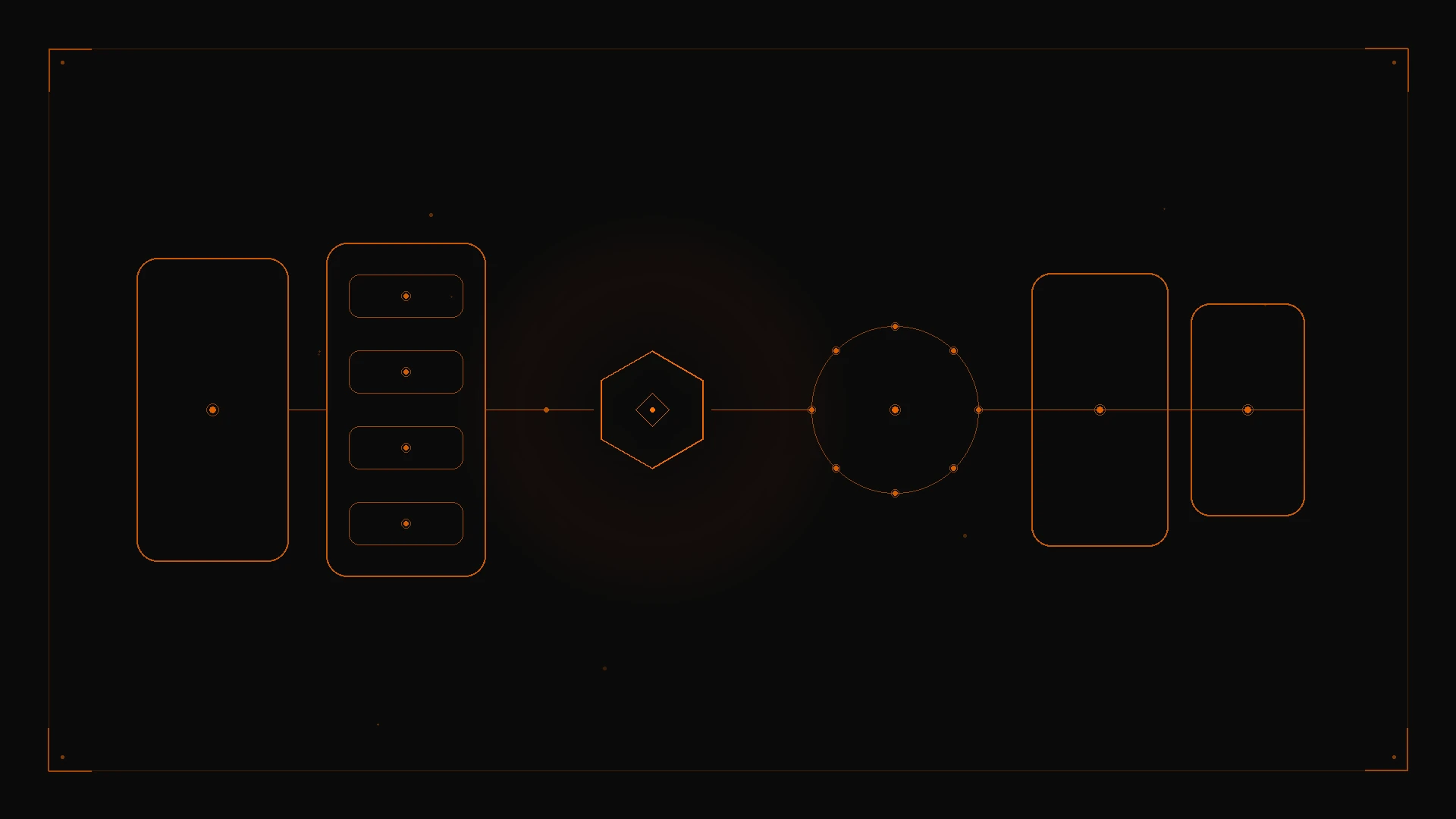
Figure 1: Keep clients on a single documented ToAPIs origin, reuse the session, and treat image generation as an asynchronous task rather than a long-haul synchronous round trip.
Practical routing habits that do not depend on unpublished latency numbers:
- One origin per environment. A Singapore service and a Frankfurt service can share the same model ID and payload. They should not invent their own vendor URLs.
- Reuse connections. Enable HTTP keep-alive (and HTTP/2 where your client already supports it) so TLS setup is not repeated on every submit or poll.
- Decouple submit from wait. Persist the task
idimmediately. Poll on a bounded interval, or prefer a task webhook and keep polling as a fallback. - Do not cache "identical prompts" as a billing shortcut. There is no documented ToAPIs guarantee that a repeated prompt is served from an edge cache or is free. If two jobs are submitted, plan to pay for two jobs unless your account terms say otherwise.
The current request contract is also easy to get stale. Older snippets sometimes send size as 1024x1024 and a quality: "standard" flag. The current gpt-image-2 API reference and the ToAPIs frontend contract use size for aspect ratio (1:1, 3:2, 2:3, 4:3, 3:4, 5:4, 4:5, 16:9, 9:16, 2:1, 1:2, 21:9, 9:21, or auto) and resolution for the tier (1k, 2k, 4k). Exact gpt-image-2 does not expose a quality field in the current playground contract; quality appears on IDs such as gpt-image-2-vip. Confirm the ID you actually call.
Reference images belong in reference_images (public URLs only, up to 14). image_urls is accepted as a backward-compatible alias and is normalized to reference_images. Do not send base64; upload first. For custom ratios, wider quality options, or official-SKU behavior, see the API guide and the model guide.
3. Production Implementation: cURL & Python
Step 1: cURL dispatch
curl -X POST "https://api.toapis.com/v1/images/generations" \
  -H "Authorization: Bearer $TOAPIS_API_KEY" \
  -H "Content-Type: application/json" \
  -d '{
    "model": "gpt-image-2",
    "prompt": "Minimalist product still of a matte ceramic pour-over kettle on slate, soft side light, no typography",
    "size": "1:1",
    "resolution": "1k",
    "n": 1,
    "response_format": "url"
  }'
Step 2: Python submit-and-poll helper
Match field names and the response envelope to the API reference for your account. The snippet uses the documented image status path and the completed / failed statuses. Swap BASE to https://toapis.cn only for a mainland-China environment that should use that origin.
import os
import time
import requests

API_KEY = os.environ["TOAPIS_API_KEY"]
BASE = "https://api.toapis.com"
ENDPOINT = f"{BASE}/v1/images/generations"
HEADERS = {
    "Authorization": f"Bearer {API_KEY}",
    "Content-Type": "application/json",
}


def dispatch_image(
    prompt: str,
    size: str = "1:1",
    resolution: str = "1k",
    model: str = "gpt-image-2",
    reference_images: list[str] | None = None,
) -> str:
    payload = {
        "model": model,
        "prompt": prompt,
        "size": size,
        "resolution": resolution,
        "n": 1,
        "response_format": "url",
    }
    if reference_images:
        payload["reference_images"] = reference_images
    res = requests.post(ENDPOINT, headers=HEADERS, json=payload, timeout=30)
    res.raise_for_status()
    data = res.json()
    task_id = data.get("id") or data.get("task_id")
    if not task_id:
        raise RuntimeError(f"Unexpected submission envelope: {data}")
    return task_id


def poll_image_task(task_id: str, deadline_s: int = 180) -> str:
    poll_url = f"{BASE}/v1/images/generations/{task_id}"
    interval = 2.0
    start = time.time()
    while time.time() - start < deadline_s:
        time.sleep(interval)
        poll = requests.get(poll_url, headers=HEADERS, timeout=15)
        if poll.status_code == 429:
            retry_after = poll.headers.get("Retry-After")
            time.sleep(float(retry_after) if retry_after else min(interval * 2, 20))
            continue
        poll.raise_for_status()
        data = poll.json()
        status = data.get("status")
        if status == "completed":
            return data["result"]["data"][0]["url"]
        if status == "failed":
            raise RuntimeError(f"Generation failed: {data.get('error')}")
        interval = min(interval * 1.5, 8.0)
    raise TimeoutError(f"Task {task_id} exceeded {deadline_s}s; check status before retrying")


if __name__ == "__main__":
    task_id = dispatch_image(
        "Minimalist product still of a matte ceramic pour-over kettle on slate, soft side light, no typography"
    )
    print("Task:", task_id)
    print("Image:", poll_image_task(task_id))
Store the base URL, model ID, size, and resolution next to the task record. If you later switch a client from gpt-image-2 to gpt-image-2-vip or to a 2.6 SKU, change one variable at a time and reread the matching guide — billing units are not automatically the same.
4. Error Handling & Status Matrix
The categories below are diagnostic starting points, not a guarantee of exact ToAPIs error codes. A successful HTTP query still requires you to read task status.
| HTTP status | Common category | Recommended action |
|---|---|---|
400 | Invalid field or unsupported combination | Check the model ID, that size is a documented ratio, that resolution is 1k / 2k / 4k, and that reference images are URLs rather than base64 |
401 | Missing or invalid API key | Rotate the key in the ToAPIs dashboard and confirm the Authorization header |
429 | Rate or concurrency limit | Honor Retry-After when present; back off with jitter; retry only when safe |
5xx or network timeout | Temporary gateway or upstream issue | Check task status before resubmitting; use a bounded retry policy |
5. Pricing & FinOps ROI
- Do not reuse planning-draft or older-article unit prices. Catalog rates, resolution multipliers, and failed-task treatment vary by SKU and account. Some GPT Image 2.x IDs are billed per image; the 2.6 guide documents token-based billing for that generation. Confirm the rate that applies to the exact model ID you call.
- Routing does not, by itself, change the model price. Using
api.toapis.comortoapis.cnis a base-URL choice. It is not a documented discount. FinOps gains come from avoiding duplicate submits after a client timeout, drafting at1k, and picking the right SKU. - Official vendor contracts often add regional billing constraints, commitments, or prepayment floors. ToAPIs billing is typically pay-as-you-go — confirm the active terms on your account.
- For a deeper rate discussion, use the GPT Image 2 pricing article as background, then verify every number against the live catalog before you put it in a forecast.
6. Frequently Asked Questions
See the FAQ block in frontmatter. Summary: changing the ToAPIs origin does not change the model ID or the documented request shape; mainland China users should follow the toapis.cn note in official docs; image jobs are asynchronous; size is an aspect ratio and resolution is the tier; there is no documented free edge cache for repeated prompts.
7. Action Checklist
- Create a key on the ToAPIs Developer Portal.
- Set one base URL per environment (
https://api.toapis.comor, where required,https://toapis.cn) and smoke-test the cURL snippet withgpt-image-2,size: "1:1", andresolution: "1k". - Persist the task
id, pollGET /v1/images/generations/{id}with a bounded deadline, and honorRetry-Afteron429. - Next: the GPT Image 2 API guide for parameters, the 2.6 guide if you are moving SKUs, and the free credits walkthrough if you are opening a new account.