Quick Answer

  • Use POST /v1/images/generations with model=gpt-image-2.
  • Supports prompt generation and reference_images URL inputs for guided generation.
  • Reference images must be URLs, so local files must be uploaded first instead of passing base64 directly.
  • The endpoint returns an async task id for later status polling.

Key Parameters

  • model | string | required | gpt-image-2 | - | Use gpt-image-2 as the exact model id.
  • prompt | string | required | - | - | Primary prompt for image generation or editing.
  • size | string | optional | 1024x1024 | Use documented combinations with resolution | Output size constrained by documented resolution combinations.
  • resolution | string | optional | 1024 | 1024 | 1536 | 2048 | Output resolution with documented size constraints.
  • reference_images | string[] | optional | - | URL array | Reference image URL array. Local files must be uploaded first; no direct base64 references.
  • image_urls | string[] | optional | - | URL array (compat field) | Compatibility field; prefer reference_images for new integrations.
  • response_format | string | optional | url | url | b64_json | Response format; current Chinese docs recommend url.

Common Errors

  • 400 invalid_request_error: trigger=Missing required fields or invalid size-resolution combinations.; fix=Validate model, prompt, size, resolution, and response_format against docs.; retry=Retry only after correcting the payload.
  • 400 invalid_reference_images: trigger=Passing base64, local paths, or non-URL reference_images values.; fix=Upload the image first and pass the resulting URL in reference_images.; retry=Retry after fixing the reference image input.
  • 401 authentication_error: trigger=Missing Authorization header or invalid API key.; fix=Verify bearer token format and key scope.; retry=Retry after fixing authentication.
  • 429 rate_limit_exceeded: trigger=Request rate, concurrency, or current quota hits upstream rate limiting.; fix=Apply exponential backoff first, then review request rate, concurrency, and quota usage.; retry=Use 1s/2s/4s backoff with jitter; if it persists, reduce submission pressure.

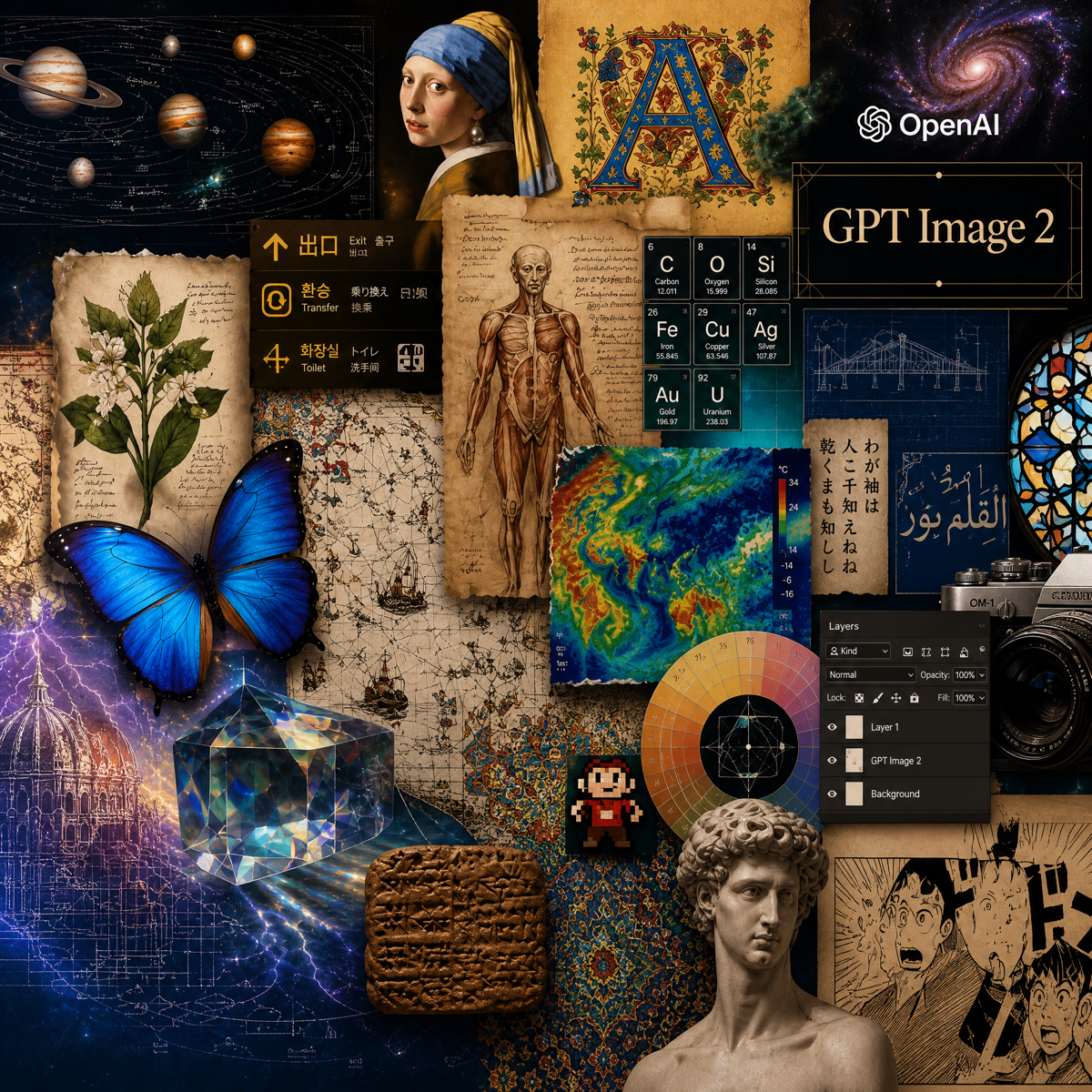
Model Guide

GPT-Image-2

Model ID: gpt-image-2

Vendor: OpenAIModalities: ImagePrice: $0.0150 /requestUpdated: 2026-05-02

GPT-Image-2 is an image generation model on ToAPIs using /v1/images/generations for text-to-image and reference-guided generation, aligned with ToAPIs docs.

Model Overview

Quick Answer

  • Use POST /v1/images/generations with model=gpt-image-2.
  • Supports prompt generation and reference_images URL inputs for guided generation.
  • Reference images must be URLs, so local files must be uploaded first instead of passing base64 directly.
  • The endpoint returns an async task id for later status polling.

GPT-Image-2 Model Features

Core Section

Core capabilities and practical engineering value

Text to image

Submit standard prompt-driven image generation tasks through the unified API.

Reference-guided generation

Pass image URLs through reference_images for style or subject guidance.

Async task workflow

The endpoint returns a task id for queueing and polling pipelines.

How to Use GPT-Image-2 API

  1. Prepare Authorization: Bearer <YOUR_API_KEY> and the main prompt.
  2. Upload local reference images first if reference URLs are needed.
  3. POST to /v1/images/generations with model=gpt-image-2 plus optional size, resolution, reference_images, and response_format.
  4. Poll task progress with the image task status API.
  5. Read final image URLs after the task completes.
GPT-Image-2

When to Use

  • When integrating a standard text-to-image workflow through the gateway.
  • When references are needed for style continuation or subject guidance.
  • When image generation must fit into async task orchestration.

Runtime Behavior

  • The endpoint returns a task object before the final image is ready.
  • Poll queued, in_progress, completed, and failed states through the image task status API.
  • Reference workflows require reference_images URLs, so local files must be uploaded first.
  • size and resolution combinations must follow documented limits.
GPT-Image-2

Key Parameters

ParameterTypeRequiredDefaultRangeDescription
modelstringYesgpt-image-2-Use gpt-image-2 as the exact model id.
promptstringYes--Primary prompt for image generation or editing.
sizestringNo1024x1024Use documented combinations with resolutionOutput size constrained by documented resolution combinations.
resolutionstringNo10241024 | 1536 | 2048Output resolution with documented size constraints.
reference_imagesstring[]No-URL arrayReference image URL array. Local files must be uploaded first; no direct base64 references.
image_urlsstring[]No-URL array (compat field)Compatibility field; prefer reference_images for new integrations.
response_formatstringNourlurl | b64_jsonResponse format; current Chinese docs recommend url.

Common Errors

400 invalid_request_error

Trigger: Missing required fields or invalid size-resolution combinations.

Fix: Validate model, prompt, size, resolution, and response_format against docs.

Retry: Retry only after correcting the payload.

400 invalid_reference_images

Trigger: Passing base64, local paths, or non-URL reference_images values.

Fix: Upload the image first and pass the resulting URL in reference_images.

Retry: Retry after fixing the reference image input.

401 authentication_error

Trigger: Missing Authorization header or invalid API key.

Fix: Verify bearer token format and key scope.

Retry: Retry after fixing authentication.

429 rate_limit_exceeded

Trigger: Request rate, concurrency, or current quota hits upstream rate limiting.

Fix: Apply exponential backoff first, then review request rate, concurrency, and quota usage.

Retry: Use 1s/2s/4s backoff with jitter; if it persists, reduce submission pressure.

GPT-Image-2

FAQ

How do I call gpt-image-2?

Call POST /v1/images/generations with model=gpt-image-2, prompt, and optional size, resolution, and reference_images.

Does gpt-image-2 support image-to-image?

Yes. Pass reference_images URLs to guide output style or subject consistency.

Why can’t I pass base64 reference images directly?

The current docs require reference_images to be URLs. Upload local files first and then pass the returned URLs.

How do I check status after the task id is returned?

Poll the image task status endpoint until the task is completed, then read the output image fields.

Image or video model error: invalid apitype: -1

This usually means the request was sent to the wrong endpoint. Image and video models typically do not use the chat endpoint. Instead, submit the documented HTTP task request and poll the task status endpoint for results. Check the actual request code, URL, and payload first.

An image or video task failed, but the user was still charged

Ask the user for the task log or screenshot first and check whether input or output token usage appears. If token accounting shows up, the request was likely sent through a chat endpoint instead of the proper media workflow. Image and video models usually run as async HTTP task APIs: submit the task first, then poll by task id according to the relevant docs.

Mode Notes

Text-to-Image Task with GPT-Image-2

Create GPT-Image-2 image generation tasks directly from prompts.

Mode Parameters

modelpromptsizeresolutionresponse_format

Best Scenarios

  • Standard image generation
  • Creative visuals
  • Async image workflows

Reference-guided Task with GPT-Image-2

Pass uploaded reference image URLs for guided generation outputs.

Mode Parameters

reference_imagesimage_urlspromptsizeresolution

Best Scenarios

  • Style continuation
  • Subject guidance
  • Image editing

Related APIs

今すぐ始めませんか?

無料登録して、エンタープライズ級 AI API ゲートウェイの実力を体験してください

ToAPIs

エンタープライズ向け AI API ゲートウェイ。GPT-5、Claude、Gemini など 50 以上のモデルに 1 つの API でアクセスできます。

会社情報

法務

© 2026 ToAPIs. All rights reserved.

すべてのシステムは正常に稼働中