








阿里 Wan 3.0 影片 API 入門:下一代影片生成快速上手
目標型號:
wan3.0-video(可選姊妹 ID:wan3.0-video-prime)
推理介面:https://api.toapis.com/v1/videos/generations
相關閱讀:Wan 3.0 Prime 與 Wan 2.6 Flash 對比 · Kling Video O1 長影片連續性 · Wan 3.0 參考 · wan3.0-video 型號指南 · wan3.0-video-prime 型號指南
1. TL;DR 與能力概覽
- 先核對目錄:規劃稿有時寫成
wan-3-prime。該字串不是已文件化的公共 ID。2026-11-20 核對官方 Wan 3.0 生成參考(HTTP 200),列出wan3.0-video和wan3.0-video-prime。兩個型號使用該頁同一套 All-in-One API。當時不存在單獨的 Prime 專用文件路徑。 - 呼叫約定:非同步提交到
POST /v1/videos/generations,再輪詢GET /v1/videos/generations/{id}直至completed或failed。普通任務也可以用GET /v1/tasks/{id}查詢。官方示例使用https://toapis.com(中國大陸為https://toapis.cn)。本系列其他指南使用https://api.toapis.com。選定一個源站並保持一致。 - 同一結構上的多種方式:文生影片;首幀或首尾幀控制;參考圖片、影片和音訊的聯合生成;單個檔案或公開網頁;以及基於參考片段的影片編輯或延長。首尾幀模式與參考素材模式互斥。
- 素材:只傳送公開的
http://或https://URL。本地檔案請先上傳並使用返回的 URL。不要傳送 base64 或本地路徑。prompt與媒體素材至少提供一項。 - 應丟棄的未核實說法:諸如每 5 秒
$0.150的規劃稿單價,不是當前 ToAPIs 文件。請在賬戶中確認實時價格與渠道支援。
2. 官方 Wan 3.0 ID、引數與組合規則
在 model 欄位中使用兩個公共型號名之一。不要替換成規劃稿別名,也不要發明 Prime 模式開關。
| 目錄 ID | 在本文中的角色 | 已文件化的能力 |
|---|---|---|
wan3.0-video | 預設 / 標準全能 ID | 文生影片、首尾幀、多模態參考、檔案或連結、編輯與延長 |
wan3.0-video-prime | 同一結構上的 Prime 姊妹 ID | 與 wan3.0-video 相同的請求結構;僅在目錄中列出且你確實要使用 Prime SKU 時選擇它 |
wan2.6 | 相關的早期 Wan ID;見 Wan 2.6 生成參考 | 文生影片、圖生影片和參考影片,引數對映不同(無 480p;時長為 5/10/15) |
核心請求欄位(兩個 Wan 3.0 ID 共用):
| 欄位 | 文件化取值 | 說明 |
|---|---|---|
prompt | 字串 | 內容、動作、鏡頭和聲音。prompt 與媒體素材至少提供一項。按陣列順序用“圖片1”“影片1”“音訊1”引用素材 |
duration | 2–30 的整數,或 -1 | 預設 5。-1 為智慧時長——由模型決定長度 |
ratio | adaptive(預設)、16:9、9:16、1:1、4:3、3:4 | aspect_ratio 是相容別名;不要同時傳入 |
resolution | 480p、720p、1080p(預設 1080p) | 本該合同文件化了全部三檔 |
audio | 布林,預設 true | 預設開啟音訊 |
watermark | 布林,預設 false | 預設關閉 |
prompt_extend | 布林,預設 true | 大模型改寫可改善短提示詞,同時增加耗時;設為 false 則原樣使用提示詞 |
seed | 可選整數 | 相同引數加種子有助於復現相近結果 |
image_with_roles | {url, role} 陣列 | role 為 first_frame 或 last_frame。各最多一個;last_frame 必須同時有 first_frame |
reference_images | 最多 10 個公開圖片 URL | 不能與首尾幀混用 |
video_list | 最多 5 段,總時長 ≤15 秒 | 每項為 {"video_url": "..."} |
audio_with_roles | 最多 5 段,總時長 ≤15 秒 | 每項為 {url, role: "reference_audio"} |
metadata.media | 一個 file 或一個 link | {type, url}。檔案與連結不能同時使用,也不能與首尾幀模式混用 |
disable_nsfw | 布林,預設 true | ToAPIs 平臺引數,不會轉發給上游。只有顯式的 JSON false 才會在賬號和銷售區域符合條件時啟用備用渠道;中國大陸始終禁用 |
官方表格中的素材組合規則:
| 請求內容 | 是否支援 | 說明 |
|---|---|---|
| 僅提示詞 | 是 | 文生影片 |
| 僅首幀 | 是 | 首幀控制 |
| 首幀和尾幀 | 是 | 尾幀不能單獨使用 |
| 參考圖片和參考影片 | 是 | 可聯合參考,也可再加參考音訊 |
| 首幀和參考影片 | 否 | 首尾幀模式與參考素材模式互斥 |
| 檔案和網頁連結 | 否 | 兩者互斥 |
如果介面返回類似“Wan 3.0 不能在同一請求中混用首尾幀與參考素材/檔案/網頁”的資訊,請刪除其中一類後再提交。
影片編輯是按提示詞分類的路徑,不是單獨的端點:在提示詞中包含編輯意圖(例如“edit the video”、“remove”、“replace”),並傳入參考片段。這類任務要求 ratio 為 adaptive、duration 為 -1,且輸入為 4–30 秒。延長使用“extend”或“continue”等用詞,將 duration 設為 -1 或源時長加延長部分(總計 ≤ 30 秒)。
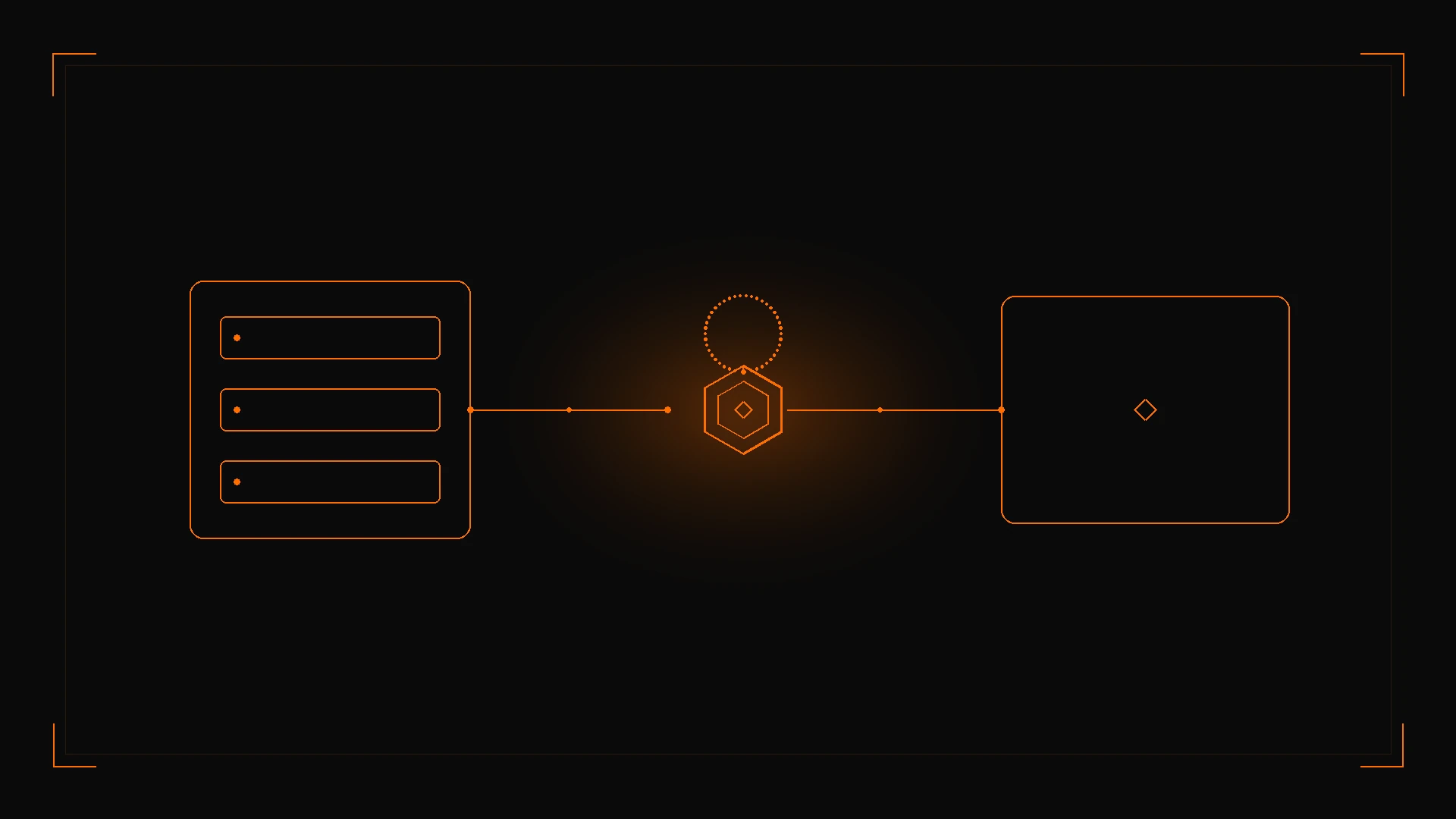
圖 1:已文件化的 Wan 3.0 載荷提交到 POST /v1/videos/generations;輪詢同一任務 ID,僅在 status 為 completed 後讀取 result.data[0].url。
若要與 Wan 2.6 Flash 對比能力和成本,見 Wan 3.0 Prime 與 Wan 2.6 Flash。若要在另一產品族上用 3–10 秒視窗做長影片連續性,見 Kling Video O1 指南。
3. 生產實現:cURL 與 Python
本系列的國際示例使用 https://api.toapis.com。官方文件要求中國大陸使用者使用 https://toapis.cn。每個環境只保留一個源站。
步驟 1:用 cURL 提交文生影片
curl --request POST \
  --url https://api.toapis.com/v1/videos/generations \
  --header "Authorization: Bearer $TOAPIS_API_KEY" \
  --header "Content-Type: application/json" \
  --data '{
    "model": "wan3.0-video",
    "prompt": "An orange cat running through the streets of Tokyo after rain, cinematic camera work",
    "duration": 5,
    "ratio": "16:9",
    "resolution": "1080p",
    "audio": true,
    "watermark": false
  }'
首尾幀請求使用 image_with_roles,且不得包含參考素材、檔案或連結:
curl --request POST \
  --url https://api.toapis.com/v1/videos/generations \
  --header "Authorization: Bearer $TOAPIS_API_KEY" \
  --header "Content-Type: application/json" \
  --data '{
    "model": "wan3.0-video",
    "prompt": "The camera pushes in naturally as the person transitions from standing to smiling and waving",
    "duration": 8,
    "ratio": "adaptive",
    "resolution": "1080p",
    "image_with_roles": [
      {"url": "https://example.com/first-frame.png", "role": "first_frame"},
      {"url": "https://example.com/last-frame.png", "role": "last_frame"}
    ]
  }'
步驟 2:Python 助手與輪詢器
下面的片段遵循已文件化的任務狀態路徑,以及 queued / in_progress / completed / failed 狀態。上線前請對照你賬戶對應的 API 參考確認 id、result.data[0].url 和響應包絡。
import os
import time
import requests

API_KEY = os.environ["TOAPIS_API_KEY"]
BASE = "https://api.toapis.com"
ENDPOINT = f"{BASE}/v1/videos/generations"
HEADERS = {
    "Authorization": f"Bearer {API_KEY}",
    "Content-Type": "application/json",
}

DOCUMENTED_IDS = {"wan3.0-video", "wan3.0-video-prime"}
RATIOS = {"adaptive", "16:9", "9:16", "1:1", "4:3", "3:4"}
RESOLUTIONS = {"480p", "720p", "1080p"}


def dispatch_wan30(
    prompt: str | None = None,
    *,
    model: str = "wan3.0-video",
    duration: int = 5,
    ratio: str = "16:9",
    resolution: str = "1080p",
    audio: bool = True,
    watermark: bool = False,
    prompt_extend: bool | None = None,
    image_with_roles: list[dict] | None = None,
    reference_images: list[str] | None = None,
    video_list: list[dict] | None = None,
    audio_with_roles: list[dict] | None = None,
    media: list[dict] | None = None,
) -> str:
    if model not in DOCUMENTED_IDS:
        raise ValueError("Send wan3.0-video or wan3.0-video-prime; wan-3-prime is not a documented public ID")
    if duration != -1 and duration not in range(2, 31):
        raise ValueError("duration must be 2–30 or -1")
    if ratio not in RATIOS:
        raise ValueError("unsupported ratio")
    if resolution not in RESOLUTIONS:
        raise ValueError("resolution must be 480p, 720p, or 1080p")
    roles = [item.get("role") for item in (image_with_roles or [])]
    if "last_frame" in roles and "first_frame" not in roles:
        raise ValueError("last_frame requires first_frame")
    has_frames = bool(image_with_roles)
    has_refs = any([reference_images, video_list, audio_with_roles, media])
    if has_frames and has_refs:
        raise ValueError("first/last-frame mode cannot mix with reference assets, files, or links")
    if media and len(media) > 1:
        raise ValueError("a single request accepts at most one file or one web page")
    if media and len({item.get("type") for item in media}) > 1:
        raise ValueError("file and link cannot be used together")
    if not prompt and not has_frames and not has_refs:
        raise ValueError("provide a prompt or at least one media asset")
    if reference_images and len(reference_images) > 10:
        raise ValueError("reference_images is documented as at most 10")
    if video_list and len(video_list) > 5:
        raise ValueError("video_list is documented as at most 5 clips")
    if audio_with_roles and len(audio_with_roles) > 5:
        raise ValueError("audio_with_roles is documented as at most 5 clips")
    payload: dict = {
        "model": model,
        "duration": duration,
        "ratio": ratio,
        "resolution": resolution,
        "audio": audio,
        "watermark": watermark,
    }
    if prompt:
        payload["prompt"] = prompt
    if prompt_extend is not None:
        payload["prompt_extend"] = prompt_extend
    if image_with_roles:
        payload["image_with_roles"] = image_with_roles
    if reference_images:
        payload["reference_images"] = reference_images
    if video_list:
        payload["video_list"] = video_list
    if audio_with_roles:
        payload["audio_with_roles"] = audio_with_roles
    if media:
        payload["metadata"] = {"media": media}
    res = requests.post(ENDPOINT, headers=HEADERS, json=payload, timeout=30)
    res.raise_for_status()
    data = res.json()
    task_id = data.get("id") or data.get("task_id")
    if not task_id:
        raise RuntimeError(f"Unexpected submission envelope: {data}")
    return task_id


def poll_task(task_id: str, deadline_s: int = 900) -> str:
    poll_url = f"{BASE}/v1/videos/generations/{task_id}"
    interval = 10.0
    start = time.time()
    time.sleep(5)
    while time.time() - start < deadline_s:
        poll = requests.get(poll_url, headers=HEADERS, timeout=15)
        if poll.status_code == 429:
            retry_after = poll.headers.get("Retry-After")
            time.sleep(float(retry_after) if retry_after else min(interval * 2, 120))
            continue
        poll.raise_for_status()
        data = poll.json()
        status = data.get("status")
        if status == "completed":
            return data["result"]["data"][0]["url"]
        if status == "failed":
            raise RuntimeError(f"Generation failed: {data.get('error')}")
        time.sleep(interval)
        interval = min(interval * 1.5, 30.0)
    raise TimeoutError(f"Task {task_id} exceeded {deadline_s}s; check status before retrying")


if __name__ == "__main__":
    task_id = dispatch_wan30(
        "An orange cat running through the streets of Tokyo after rain, cinematic camera work",
        duration=5,
        ratio="16:9",
        resolution="1080p",
    )
    print("Task:", task_id)
    print("Video:", poll_task(task_id))
把提示詞模板版本和任務記錄放在一起,以便區分引數改動和措辭改動。在 expires_at 之前下載檔案;狀態參考寫明保留視窗為 30 天。若開啟 prompt_extend(預設如此),短提示詞會額外增加耗時——官方頁面只做了定性說明,並未公佈實測延遲。
4. 錯誤處理與狀態矩陣
下表是診斷起點,並不保證與 ToAPIs 錯誤碼完全一一對應。HTTP 查詢成功後仍需讀取任務 status。請求錯誤與 status: failed 的原因(例如 content_policy_rejected、insufficient_user_balance、generation_timeout 或 video_edit_parameters_required)見 錯誤碼參考。
| HTTP 或任務狀態 | 常見類別 | 建議操作 |
|---|---|---|
400 | 欄位無效、首尾幀與參考素材混用、同時傳了 ratio 和 aspect_ratio,或檔案與連結並存 | 確認 wan3.0-video 或 wan3.0-video-prime,去掉互斥的一類,並只使用公開 URL |
401 | 缺少或無效的 API Key | 在 ToAPIs 控制檯輪換金鑰,並確認 Authorization: Bearer 請求頭 |
429 | 速率或併發限制 | 如有 Retry-After 請遵守;加抖動退避;僅在安全時重試 |
5xx 或用戶端逾時 | 閘道器或上游暫時問題 | 先查詢已有任務 ID 再決定是否重提 |
status: queued 或 in_progress | 不是錯誤 | 等待並再次輪詢;prompt_extend 可能增加耗時 |
status: failed 且原因為 video_edit_parameters_required | 未滿足編輯約束 | 將 ratio 設為 adaptive、duration 設為 -1,並使用 4–30 秒的源影片 |
status: failed(其他) | 生成未成功 | 讀取 error.code 與 error.message(若有 error.reason 也一併檢視)。不要原樣重試被策略拒絕的載荷 |
5. 定價與 FinOps
Wan 3.0 生成參考並未公佈美元或積分價表。2026-11-20 獲取的型號指南頁面顯示,wan3.0-video 的定價參考為 26.3 credits / 秒,wan3.0-video-prime 為 41.14 credits / 秒,並且都寫明最終計費以當前賬戶報價以及當前時長和解析度規則為準。請把這些積分數字視為快照,而不是對每種解析度或模式的合同價。不要自行把積分換算成貨幣,也不要沿用規劃稿中的美元單價。
- 先從中等時長的
wan3.0-video起步(例如 5 秒),等提示詞和素材組合穩定後再提高解析度或切換到 Prime。 - 智慧時長(
-1)和prompt_extend會改變模型實際完成的工作量。 它們是已文件化的能力,不能據此假設固定的單次價格或時延。 - 展示價格不是渠道保證。 在預估批次成本之前,用
GET /v1/models?type=video和賬戶目錄確認 ID 與實時報價。
6. 常見問題
詳見 frontmatter 中的 FAQ。摘要:傳送 wan3.0-video 或 wan3.0-video-prime,不要傳送 wan-3-prime;首尾幀不能與參考素材混用;時長為 2–30 秒或 -1;編輯需要 ratio=adaptive 且 duration=-1;務必輪詢 generations 狀態路徑並持久化任務 ID。
7. 行動清單
- 在 ToAPIs 開發者門戶 建立金鑰。
- 透過
GET /v1/models?type=video確認當前金鑰能看到wan3.0-video(若需要,也包括wan3.0-video-prime)——不要傳送wan-3-prime。 - 用
duration: 5、ratio: "16:9"和resolution: "1080p"對 cURL 示例做冒煙測試。 - 以有界逾時輪詢
GET /v1/videos/generations/{id},並在expires_at之前下載結果。 - 下一步:參閱 Wan 3.0 Prime 與 Wan 2.6 Flash 對比 瞭解已文件化的能力與成本比較,並檢視 wan3.0-video 型號指南 瞭解實時目錄狀態。