Quick Answer

  • Supports prompt-based text-to-image workflows for marketing and creative assets.
  • Supports reference-guided generation for stronger style consistency.
  • Stabilize parameters in this guide first, then move into production API.

Key Parameters

  • model | string | required | gpt-image-2.5-flare | - | Exact model identifier from ToAPIs.
  • prompt | string | required | - | - | Primary image instruction prompt.
  • size | string | optional | 1:1 | - | Output aspect ratio, model-dependent.
  • n | integer | optional | 1 | - | Number of generated images per request.
  • reference_images | file[] | optional | - | - | Reference images for style consistency.

Common Errors

  • 400 invalid_request_error: trigger=Missing or invalid payload fields.; fix=Validate model/prompt/size payload fields.; retry=Retry only after payload fix.
  • 401 authentication_error: trigger=Missing or invalid API key.; fix=Verify Authorization header and key scope.; retry=Retry after authentication fix.

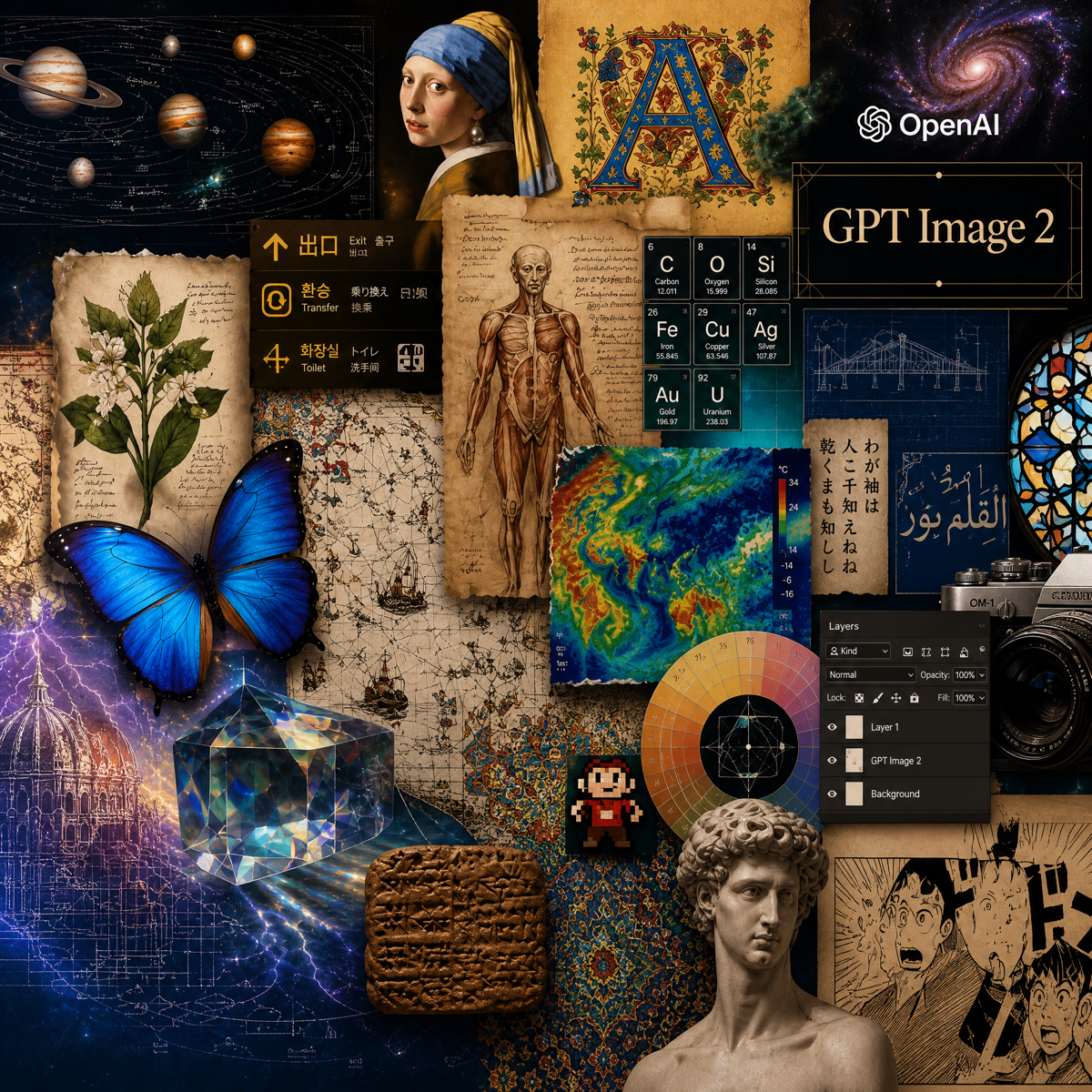
gpt-image-2.5-flare

gpt-image-2.5-flare by OpenAI is optimized for image generation/editing workflows. Contracts follow ToAPIs docs for production-ready API integration.

모델 유형:
가격: 3 크레딧 /request
1

이미지 설명

참조 이미지

생성할 이미지를 설명하세요.142 / 1200

고급 옵션

예시 매개변수
2

생성 결과

이미지 결과가 여기에 표시됩니다

로그인하면 생성 작업을 제출할 수 있습니다.

생성에는 시간이 걸립니다. 잠시 기다려 주세요.이 페이지를 나가도 [ 작업 로그 ] 에서 생성된 콘텐츠를 바로 확인할 수 있습니다.

요청 미리보기

{
  "model": "gpt-image-2.5-flare",
  "prompt": "Create a premium product advertising image with gpt-image-2.5-flare: clear subject, natural lighting, polished social-media-ready composition.",
  "size": "1:1",
  "n": 4,
  "response_format": "b64_json",
  "metadata": {
    "resolution": "1K",
    "orientation": "square"
  }
}

투명한 가격

gpt-image-2.5-flare 가격

Image usage is billed according to the current request and resolution rules. Final billing follows the current account quote.

크레딧 충전
3 크레딧 /request

ToAPIs를 선택하는 이유

Why call gpt-image-2.5-flare through ToAPIs?

Keep image generation, API keys, billing, and usage management in one workflow.

High-quality generation

Generate production-ready visual assets via a unified API.

Reference consistency

Use references to stabilize style and composition.

Parameter tuning

Tune ratio/count/sampling for quality and cost balance.

Connect in three steps

Create a key, send an image request, and review the generated result.

  1. 1

    Step 1

    Set Authorization: Bearer <YOUR_API_KEY>.

  2. 2

    Step 2

    Call image generation endpoint with model, prompt, and size.

  3. 3

    Step 3

    Optionally pass reference_images for stronger consistency.

When to use gpt-image-2.5-flare

Use case 1

When generating marketing, e-commerce, and social visual assets quickly.

Use case 2

When reference-guided consistency is required.

자주 묻는 질문

gpt-image-2.5-flare FAQ

What is gpt-image-2.5-flare best for?

Best for high-frequency creative generation and reference-guided consistency workflows.

Image or video model error: invalid apitype: -1

This usually means the request was sent to the wrong endpoint. Image and video models typically do not use the chat endpoint. Instead, submit the documented HTTP task request and poll the task status endpoint for results. Check the actual request code, URL, and payload first.

An image or video task failed, but the user was still charged

Ask the user for the task log or screenshot first and check whether input or output token usage appears. If token accounting shows up, the request was likely sent through a chat endpoint instead of the proper media workflow. Image and video models usually run as async HTTP task APIs: submit the task first, then poll by task id according to the relevant docs.

gpt-image-2.5-flare API

Start building with gpt-image-2.5-flare

Test an image request here, then continue in the dashboard or API documentation.

Try gpt-image-2.5-flare with one ToAPIs key.

Use one account and API surface for image generation workflows.

Sign up to get free credits