
Creating Multi-Scene Short Dramas via Vidu Q3 Drama Mode API
Target model:
viduq3-drama(related Multi-Model IDs:viduq3-pro-fast,viduq3-ad,viduq3-mix)
Inference endpoint:https://toapis.com/v1/videos/generations
Related: Vidu Q3 API developer guide · HappyHorse 1.1 Video API · Kling v3 Omni multi-shot · Vidu Q3 (Multi-Model) · viduq3-drama model guide
1. TL;DR & Performance Overview
“Drama Mode” is a real catalog ID — viduq3-drama — with a live model guide (HTTP 200, real title) checked on 2026-11-26. What is not documented is a dedicated /videos/viduq3-drama/generation reference (that path returns 404) and the planning-draft body that sends screenplay arrays, scene_id, actor_refs, emotional_state, auto TTS muxing, or a 15–30 second continuous story arc.
The documented generation contract is the Vidu Q3 (Multi-Model) page. Its public IDs are viduq3-pro-fast, viduq3-ad, viduq3-drama, and viduq3-mix. That set is not the same as viduq3-pro / viduq3-turbo / viduq3 on the Vidu Q3 Video Generation reference. Use the body that belongs to the ID you send.
What is documented for viduq3-drama:
- Narrative reference video generation, recommended input: one reference video plus one reference image, resolution preferred 1080P.
- Not a pure text-to-video model. Do not pass only
prompt. Missing reference material often fails withInvalidParameter(the documented example message isMissing required field 'subjects' in request body). - Duration on the live model guide: 2–15 seconds, default 5. Official pages checked today do not document a 15–30 second continuous clip.
- Auth and poll —
Authorization: Bearer <API_KEY>.POST /v1/videos/generations, thenGET /v1/videos/generations/{task_id}. Ordinary tasks may also useGET /v1/tasks/{id}. Official examples usehttps://toapis.com(mainland China:https://toapis.cn). Oncompleted, readresult.data[0].url. Videos are retained for 30 days. - Prices — the 2026-11-26 model-guide snapshot is 17.5 credits/second. Do not reuse draft claims such as “$500/episode down to $3.50” or “TikTok/ReelShort fully supported.”
To assemble a multi-scene short drama, submit separate documented clips and keep character continuity through reused references — and, where you need a documented multi-character lock, through viduq3 subjects mode.
2. Official Drama Contract vs Draft Fields
Where the contract actually lives
| Source | Status on 2026-11-26 | What it documents |
|---|---|---|
| Vidu Q3 (Multi-Model) | HTTP 200, title “Vidu Q3 Video Generation” | Public IDs viduq3-pro-fast, viduq3-ad, viduq3-drama, viduq3-mix; request fields; official viduq3-drama example |
| viduq3-drama model guide | HTTP 200, real title | Catalog ID viduq3-drama; duration 2–15s default 5; resolution 1080P only; pricing reference 17.5 credits/second |
/docs/en/api-reference/videos/viduq3-drama/generation | HTTP 404 | No dedicated drama generation page |
/model-guide/vidu-q3-drama | Soft 404 (“Model Guide Not Found”) | Do not treat this slug as a live guide |
Documented request fields for viduq3-drama
The Multi-Model page lists:
model(required) — one of the four Multi-Model names. Useviduq3-dramahere.prompt(required) — even for reference models, describe shots, motion, pacing, and style.image_urls— one or more subject/style reference images. Compatible aliases:input_reference,reference_images,images,image.url— a single primary reference video (recommended for ad / drama / mix).video_list— a list of reference videos, each withvideo_urland optionalrefer_typeandkeep_original_sound. The official drama example usesvideo_list.duration— default 5 seconds.resolution—720Por1080P, default720Pon that page; prefer1080Pforviduq3-drama. The model guide lists1080Ponly. Send1080Punless you have confirmed 720P on the live catalog.audio— pass the value explicitly forviduq3-drama; do not rely on a default. (The same page defaultsaudiototruefor the other three Multi-Model IDs.)watermark(defaultfalse),seed, andmetadata(passthrough; common examples includemetadata.input.first_frame_url,last_frame_url,audio_url, andmetadata.parameters.audio/watermark).
The official narrative-reference example is small and specific: model, prompt, video_list[{video_url}], image_urls, duration: 5, resolution: "1080P", watermark: false. It does not include a screenplay array. It also does not include a subjects field, even though the same page warns that ad / drama / mix “may require structured subject input on the upstream side (e.g. subjects)” and that prompt-only calls usually fail. Build from the official example first; if the upstream returns Missing required field 'subjects' in request body, add the structured subjects the error is asking for rather than inventing a screenplay schema.
How to build multi-scene short dramas honestly
Official docs do not describe a single request that accepts a 15–30 second continuous arc or a scene list. A production pattern that stays inside documented contracts:
- Generate each scene as its own
viduq3-dramajob (2–15 seconds, prefer 1080P) with the same character reference image and, when you have it, a reference video that carries the performance or camera language you want to continue. - Lock characters across separately submitted clips with
viduq3subjects mode (metadata.subjects+@name) when you need the documented multi-character path. - Use other documented Q3 wording where it fits —
viduq3-pro“supports audio-video sync and storyboard generation”;viduq3-turbodocuments “intelligent scene switching.” Those are official capability labels, not a substitute for a screenplay API. - Stitch the completed clips in your own pipeline after you download
result.data[0].urlfrom each job. The official pages checked today do not document server-side episode muxing or auto TTS muxing for drama.
Related Multi-Model IDs with live guides: viduq3-pro-fast (first-frame image-to-video; at least one image; only the first image is used), viduq3-ad, and viduq3-mix (both also reference-video models). Mention them only as sibling catalog IDs. /model-guide/viduq3-fast is a live page, but its title on 2026-11-26 is an Image guide, not a video drama model.
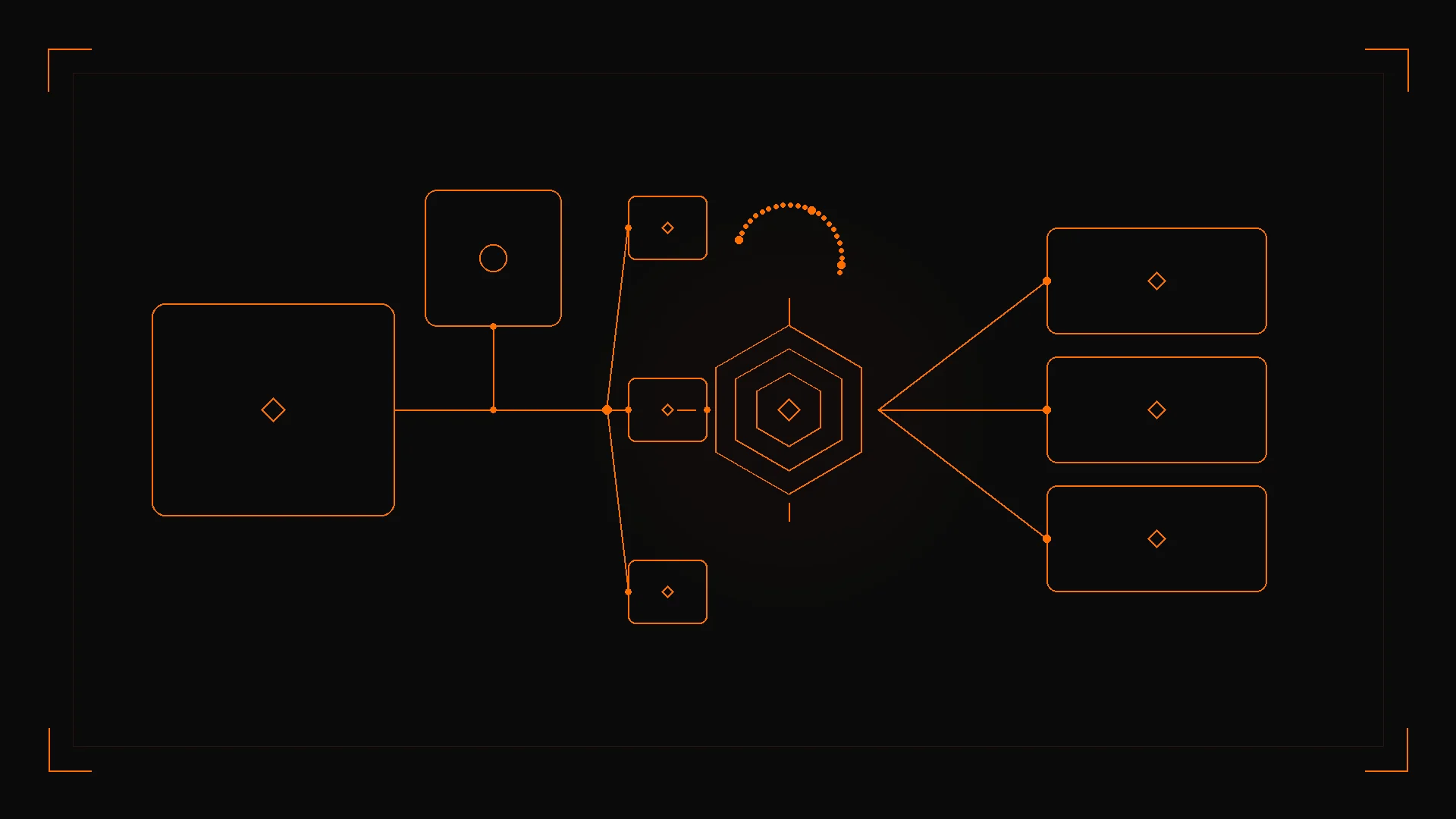
Figure 1: Feed a reference video and a character still into documented viduq3-drama (or related) jobs, poll GET /v1/videos/generations/{task_id}, and collect each completed scene URL.
3. Production Implementation: cURL & Python
Official examples use https://toapis.com. Mainland China should use https://toapis.cn. Persist the returned task id before you poll.
Step 1: cURL for the official viduq3-drama example
curl --request POST \
  --url 'https://toapis.com/v1/videos/generations' \
  --header 'Authorization: Bearer <YOUR_API_KEY>' \
  --header 'Content-Type: application/json' \
  --data '{
    "model": "viduq3-drama",
    "prompt": "Keep the character consistent, with emotion building gradually, and cut from a medium shot to a close-up.",
    "video_list": [
      {
        "video_url": "https://example.com/reference-scene.mp4"
      }
    ],
    "image_urls": [
      "https://example.com/character.png"
    ],
    "duration": 5,
    "resolution": "1080P",
    "audio": true,
    "watermark": false
  }'
The prompt in the official snippet is Chinese; the request shape is what matters. Pass audio explicitly. Replace the example URLs with assets you have already uploaded (Upload Image, Upload Video). Do not send base64 in image_urls.
A second scene is another POST with the same character image_urls (and, if useful, a new or continued video_list), not a scene_id field on the first job.
Step 2: Python helper and bounded poller
import os
import time
import random
import requests

BASE = "https://toapis.com"  # mainland China: https://toapis.cn
HEADERS = {
    "Authorization": f"Bearer {os.environ['TOAPIS_API_KEY']}",
    "Content-Type": "application/json",
}


def submit_drama_scene(
    prompt: str,
    video_url: str,
    image_urls: list[str],
    duration: int = 5,
) -> str:
    response = requests.post(
        f"{BASE}/v1/videos/generations",
        headers=HEADERS,
        json={
            "model": "viduq3-drama",
            "prompt": prompt,
            "video_list": [{"video_url": video_url}],
            "image_urls": image_urls,
            "duration": duration,
            "resolution": "1080P",
            "audio": True,
            "watermark": False,
        },
        timeout=30,
    )
    response.raise_for_status()
    return response.json()["id"]


def poll_video_task(task_id: str, max_wait: int = 600, interval: int = 10) -> dict:
    """Poll until completed or failed, honoring Retry-After on 429."""
    time.sleep(5)
    start = time.time()
    current = interval
    while time.time() - start < max_wait:
        response = requests.get(
            f"{BASE}/v1/videos/generations/{task_id}",
            headers=HEADERS,
            timeout=30,
        )
        if response.status_code == 429:
            retry_after = int(response.headers.get("Retry-After", current))
            time.sleep(retry_after + random.uniform(0, 1))
            current = min(current * 2, 60)
            continue
        response.raise_for_status()
        data = response.json()
        status = data.get("status")
        if status == "completed":
            return data
        if status == "failed":
            raise RuntimeError(data.get("error") or data)
        time.sleep(current + random.uniform(0, 1))
    raise TimeoutError(f"task {task_id} still running after {max_wait}s; query before resubmitting")


if __name__ == "__main__":
    scenes = [
        (
            "Keep the character consistent, with emotion building gradually, and cut from a medium shot to a close-up.",
            "https://example.com/reference-scene.mp4",
        ),
        (
            "Continue the same character in a doorway, slower pacing, then a close-up on the eyes.",
            "https://example.com/reference-scene-2.mp4",
        ),
    ]
    character = ["https://example.com/character.png"]
    urls = []
    for prompt, video_url in scenes:
        task_id = submit_drama_scene(prompt, video_url, character, duration=5)
        result = poll_video_task(task_id)
        urls.append(result["result"]["data"][0]["url"])
        print(task_id, urls[-1], "expires_at", result.get("expires_at"))
The official Multi-Model completed example returns result.data[0].url, format, completed_at, and expires_at. The Get Video Task Status page recommends an initial 5-second wait, a 10-second interval, a 600-second ceiling, jitter, and honoring Retry-After on 429. Prefer Task Webhooks in production and keep polling as a fallback.
4. Error Handling & Status Matrix
A successful HTTP submit is not a completed scene. Always read task status.
| HTTP or task state | Common category | Recommended action |
|---|---|---|
400 / InvalidParameter | Prompt-only drama call, missing reference video or image, or Missing required field 'subjects' in request body | Follow the official example; add video_list or url plus image_urls; supply structured subjects if the error asks for them. Do not invent a screenplay array |
400 | Unknown model (vidu-q3-drama) or a body copied from viduq3-pro | Send viduq3-drama on the Multi-Model contract, not the draft hyphenated alias |
401 | Missing or invalid API key | Confirm Authorization: Bearer <API_KEY> |
429 | Rate or concurrency limit | Honor Retry-After; back off with jitter |
5xx or client timeout | Temporary gateway or upstream issue | Query the existing task id before resubmitting |
status: queued or in_progress | Not an error | Continue polling on GET /v1/videos/generations/{task_id} |
status: failed | Generation did not succeed | Read error.message. Official docs do not state that failed tasks are always unbilled |
5. Pricing & FinOps ROI
There is no official “cost per episode” table, and the pages checked today do not support draft comparisons such as “$500/episode down to $3.50.”
Live model-guide credits / second snapshots on 2026-11-26:
| Model | Model-guide credit rate (snapshot) | Estimated USD at 1 credit ≈ $0.005 |
|---|---|---|
viduq3-drama | 17.5 credits/second | ≈ $0.0875 / second |
viduq3-ad | 15 credits/second | ≈ $0.075 / second |
viduq3-mix | 15.625 credits/second | ≈ $0.0781 / second |
viduq3-pro-fast | 7.5 credits/second | ≈ $0.0375 / second |
A 5-second viduq3-drama clip at the snapshot rate is about 87.5 credits (≈ $0.44 at 1 credit ≈ $0.005). A three-scene sequence is three jobs, not one discounted episode. The live /pricing page checked the same day states 1 credit ≈ $0.005 ($1 = 200 credits). Unauthenticated GET /api/v1/pricing returned 401; use the pricing catalog with a system access token, and confirm actual cost on the completed task.
For comparison, the subjects-generation ID viduq3 snapshot the same day was 8.5714 credits/second — lower than viduq3-drama. Choose drama when you need the documented narrative-reference contract; do not assume it is the cheap short-drama tier.
6. Frequently Asked Questions
See the FAQ block in frontmatter. Summary: the contract is on the Multi-Model page, not a dedicated drama generation path; do not send prompt-only jobs or draft screenplay fields; duration is 2–15 seconds on the live guide; prefer 1080P; reuse references (or viduq3 subjects) across separately submitted scenes; treat 17.5 credits/second as a 2026-11-26 snapshot.
7. Action Checklist
- Confirm
viduq3-dramaappears for your key viaGET /v1/models?type=video. Do not sendvidu-q3-drama. - Read the Multi-Model generation reference and the viduq3-drama model guide. Do not invent
screenplay,scene_id, oractor_refs. - For each scene, send
promptplus a reference video (video_listorurl) plusimage_urls. Passaudioexplicitly. Preferresolution: "1080P"and keepdurationinside 2–15 seconds. - If the upstream returns
Missing required field 'subjects', add structured subjects rather than retrying a prompt-only body. - Submit to
POST /v1/videos/generationsonhttps://toapis.com(orhttps://toapis.cnin mainland China). PollGET /v1/videos/generations/{task_id}; readresult.data[0].urlonly aftercompleted. Download beforeexpires_at(30-day retention). - Stitch completed scene URLs in your own pipeline. Quote prices only from the live account catalog.
- Next: Vidu Q3 developer guide for documented subjects / multi-reference consistency, or HappyHorse 1.1 for the action-based contract.